

Product
AI
Solutions
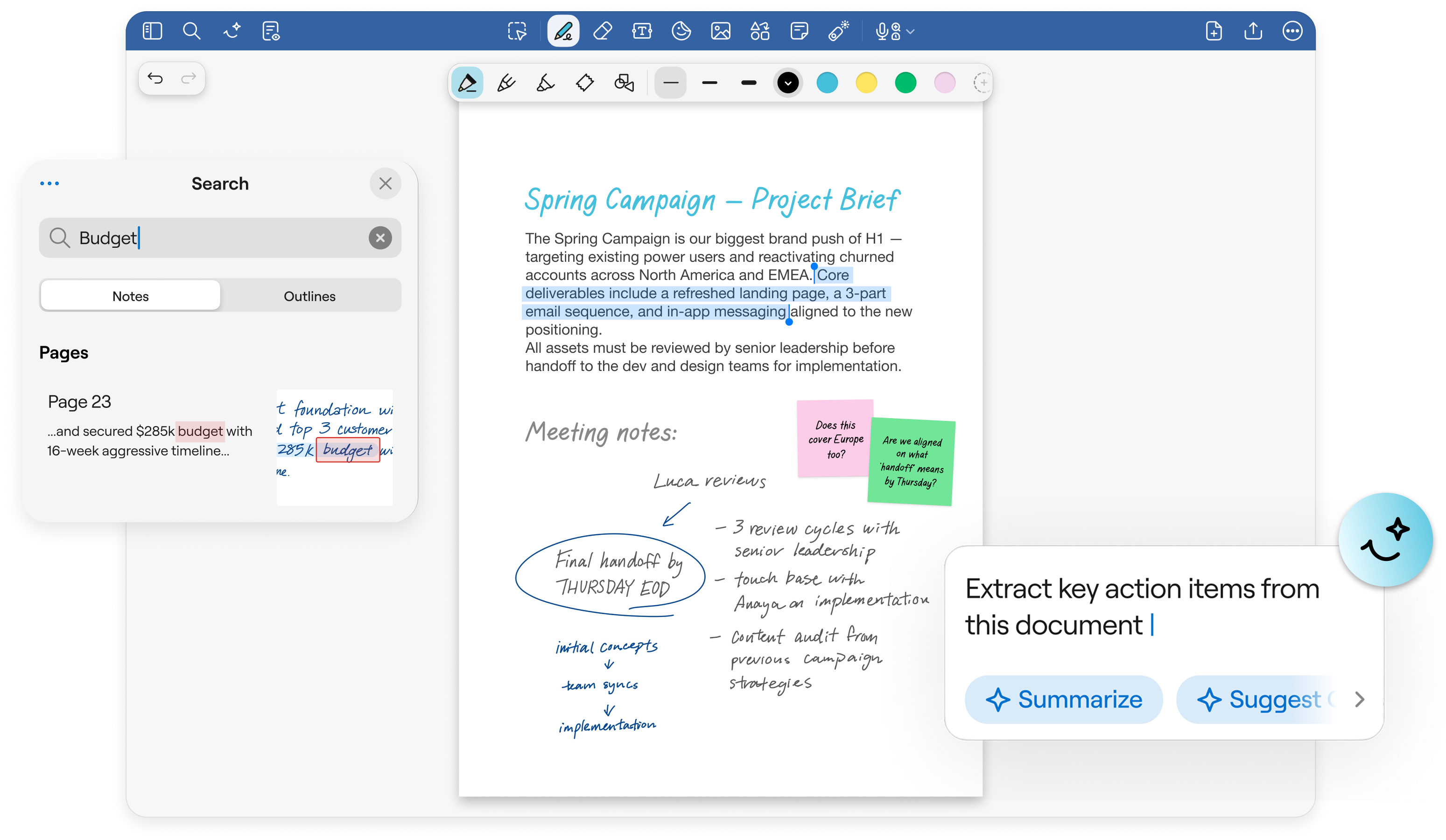
Capture ideas and organize your notes in one place so decisions, action items, and insights never get lost. Annotate documents, search handwriting, and use AI to find answers in seconds.




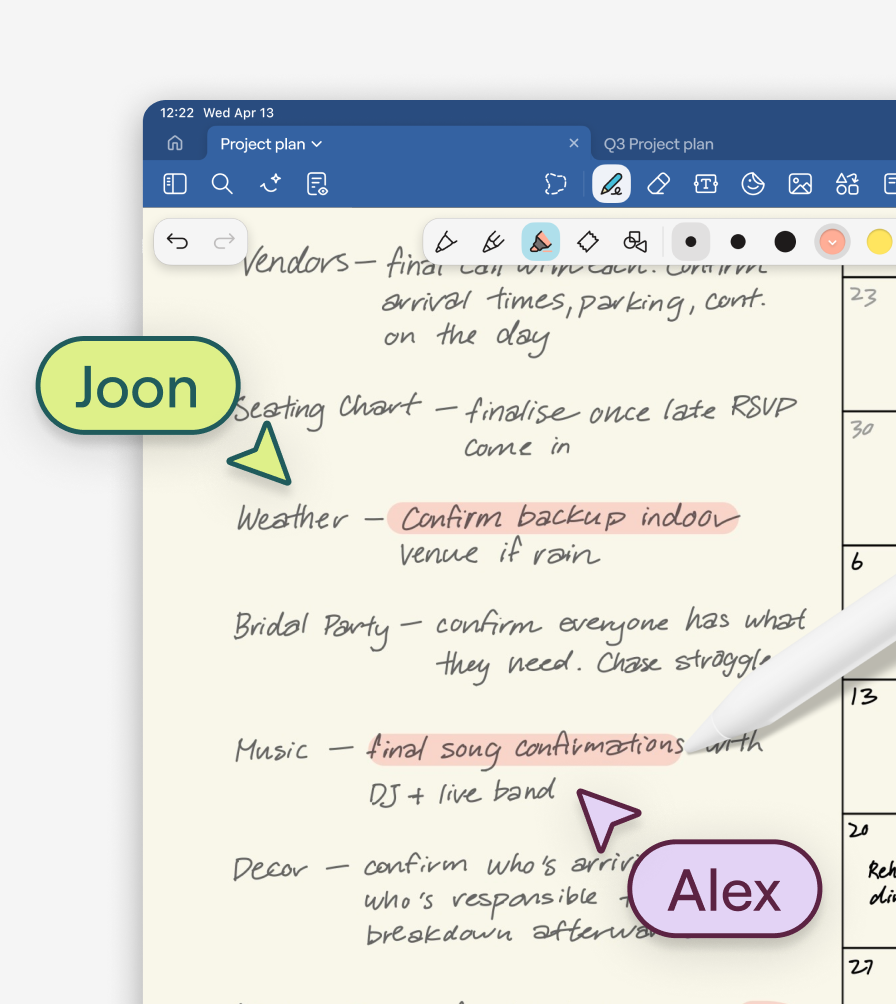
Work smarter
In the office or on a worksite, Notebooks make digital note taking easy for professionals, teams, and organizations.
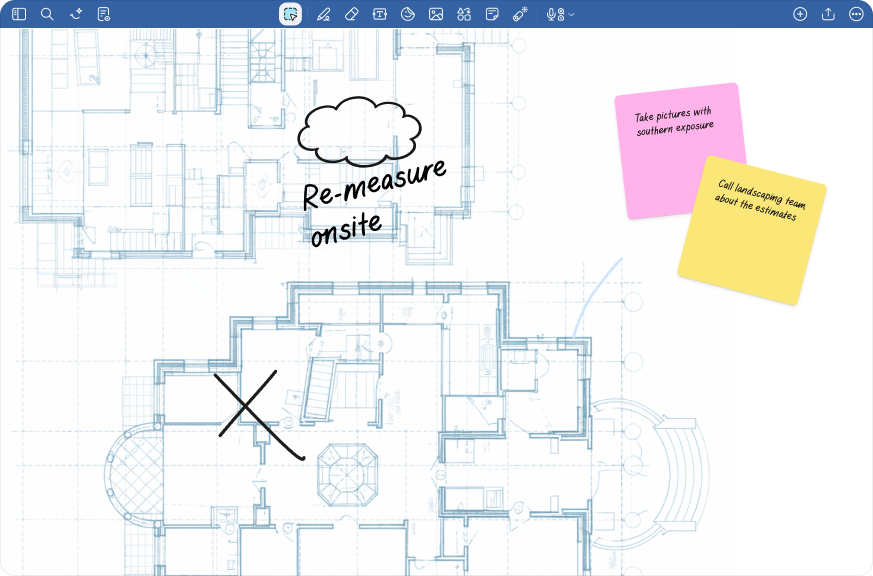
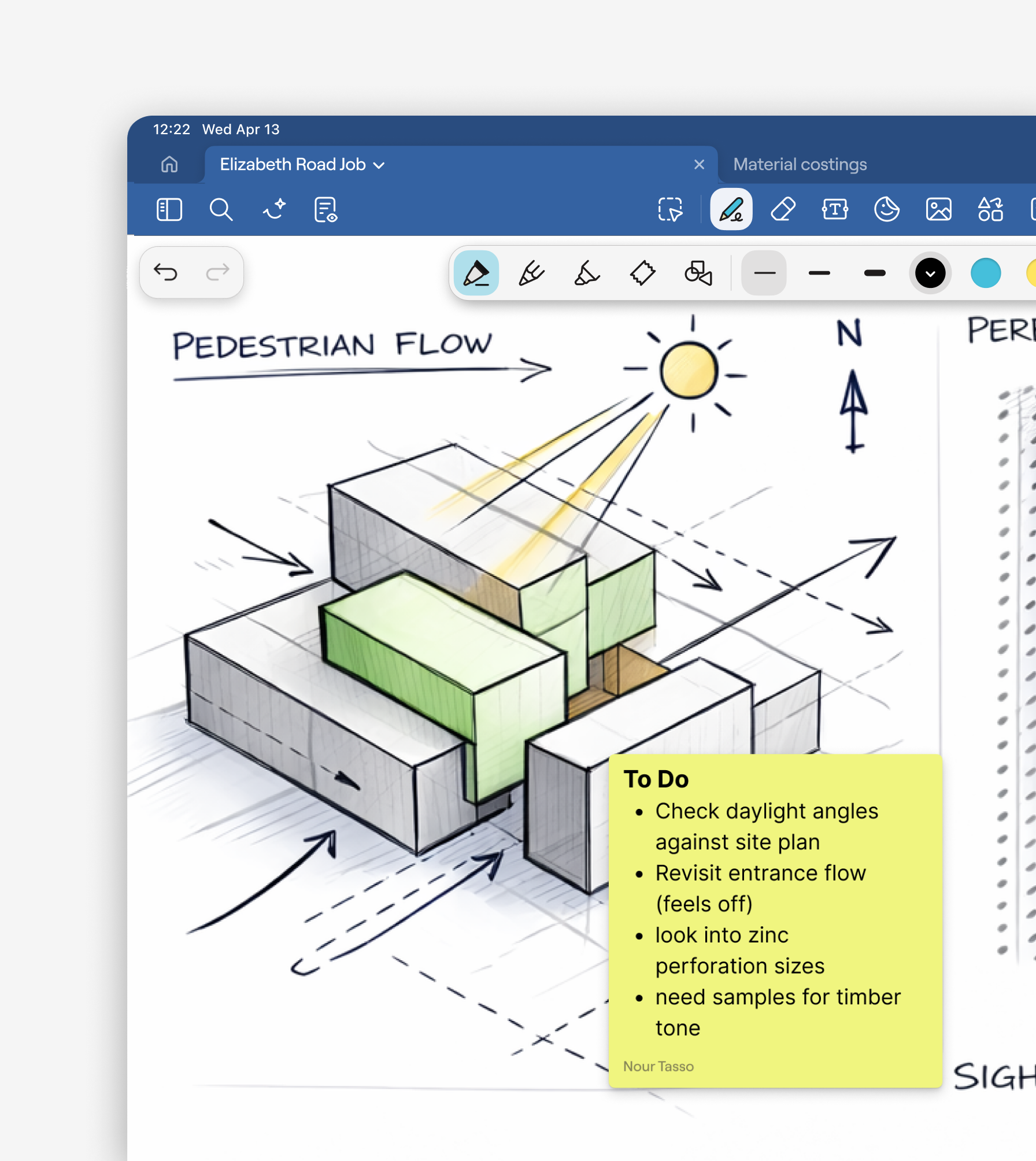
Capture site notes, sketches, and markups and stay connected from blueprints to build.
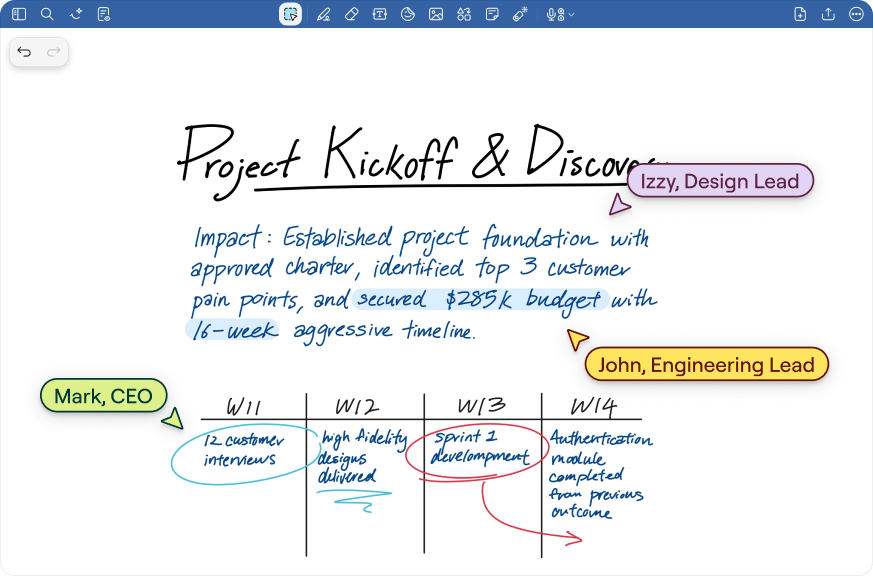
Turn handwritten notes into searchable, structured records so context, decisions, and next steps are never lost.

Annotate case documents, red-line by hand, and quickly search past notes and PDFs.

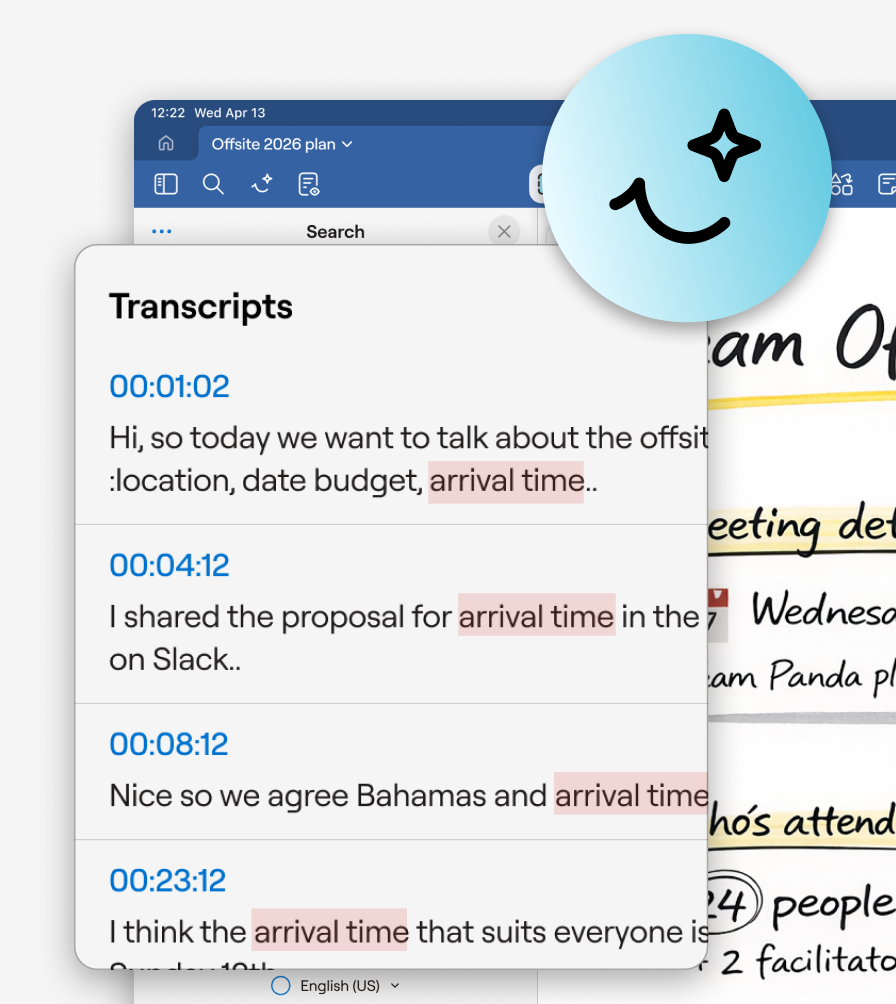
Document planning meetings, annotate policy drafts, and keep shared notes accessible across teams and departments.
Share, review, and mark up PDFs, images, PowerPoints and other file types in real time
Learn more →
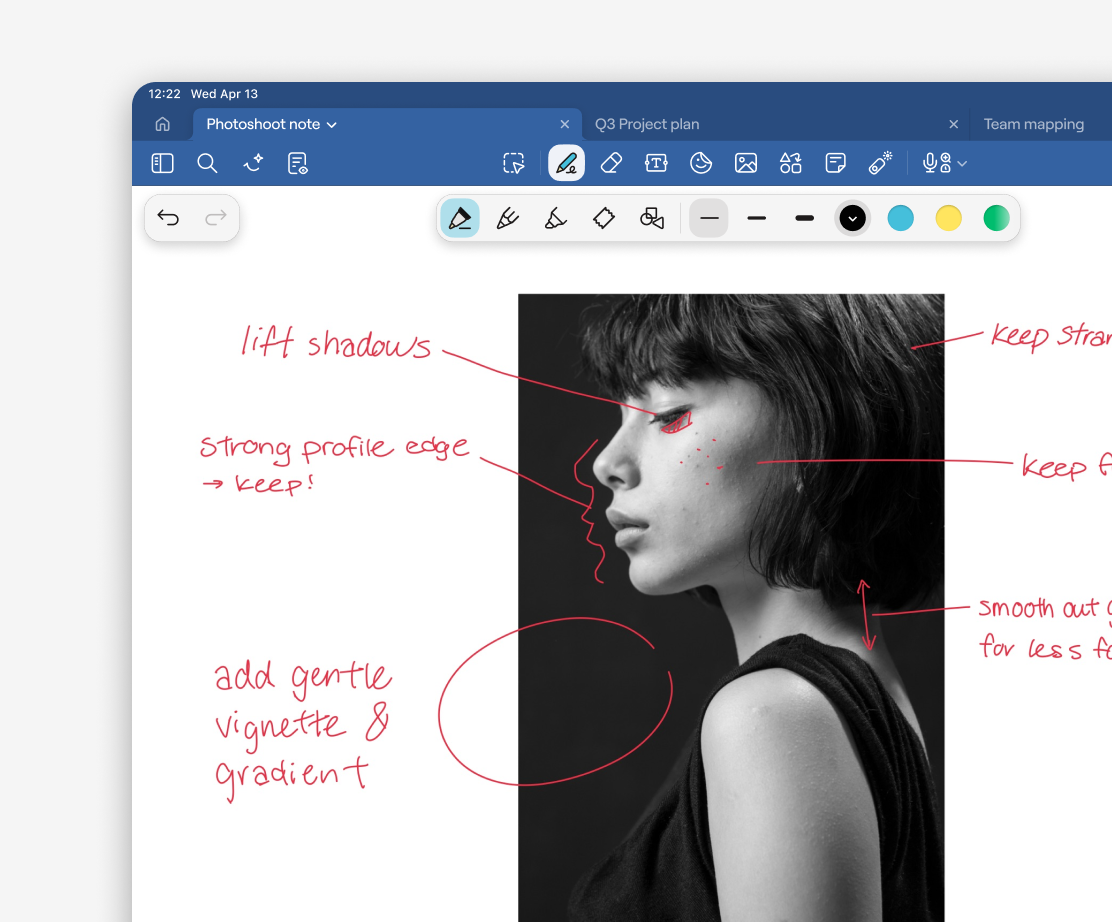
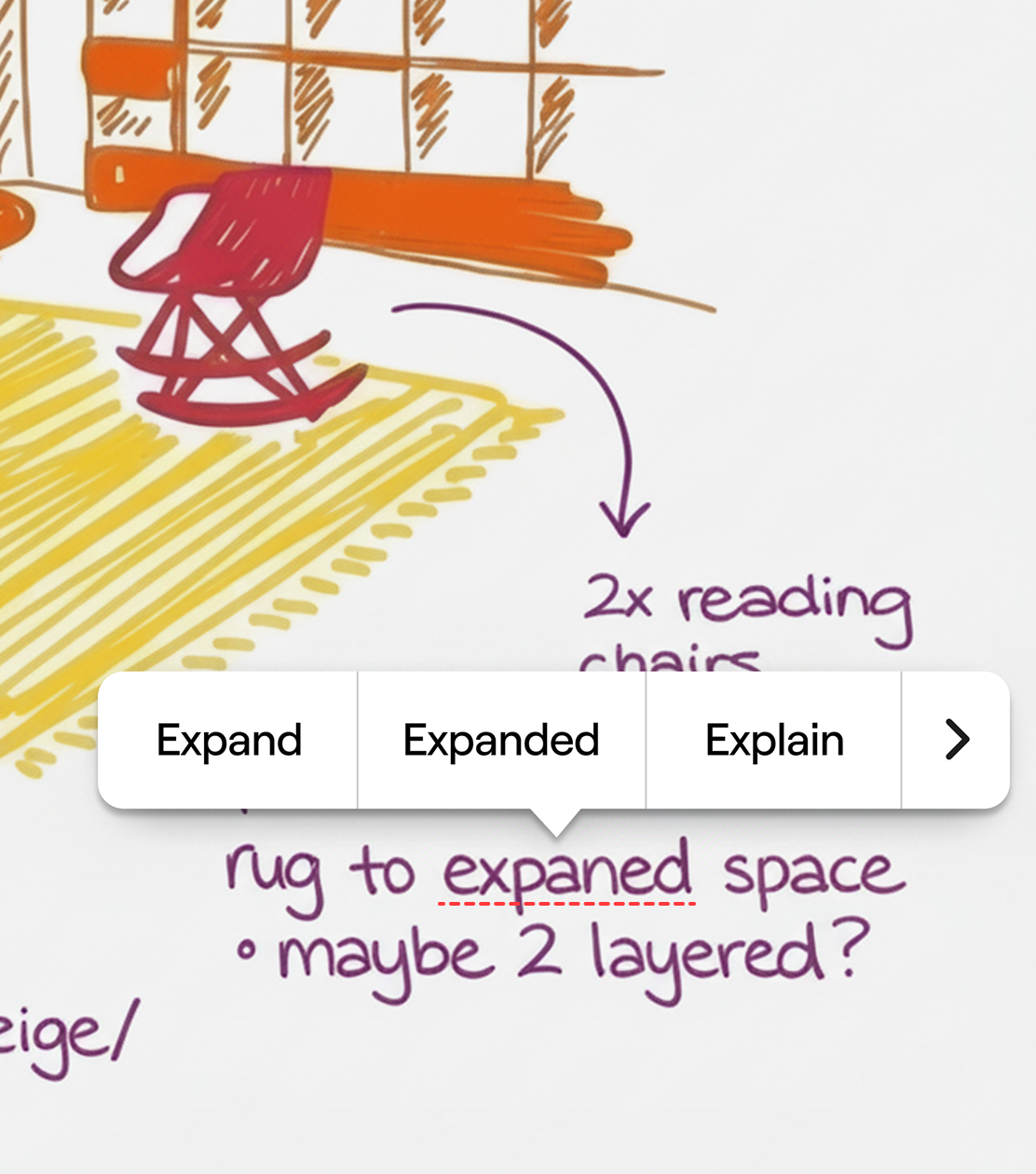
Take typo-free notes in your own handwriting with built-in spellcheck.
Learn more →
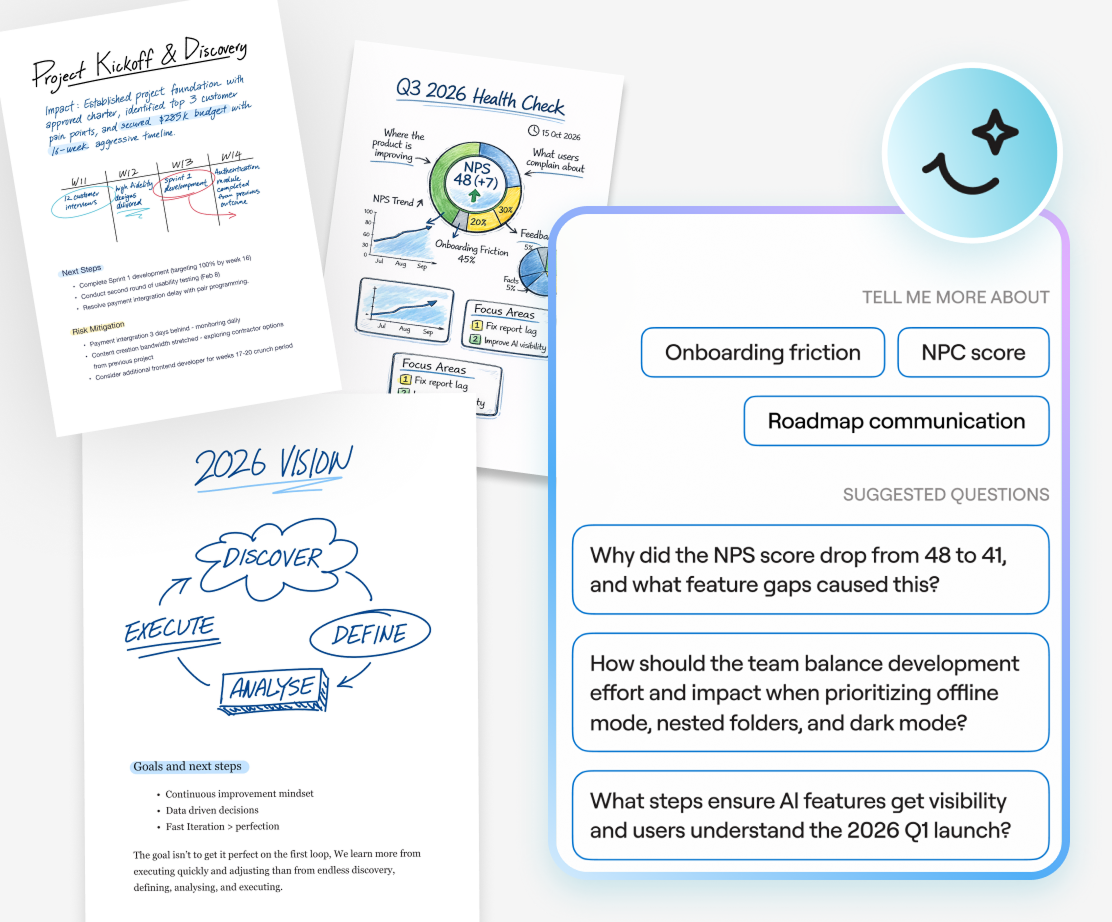
AI tools summarize and structure key insights, providing in-the-moment answers to questions, while keeping your data private.
Learn more →
Saved per week per team member on note organization
Faster meeting recap creation with AI summarization
Teams report improved information findability
Reduction in time spent reformatting notes
“Lorem ipsum dolor sit amet, consectetuer adipiscing elit. Aenean commodo ligula eget dolor. Aenean massa. Cum sociis natoque penatibus et magnis dis parturient montes, nascetur ridiculus mus.”


“Lorem ipsum dolor sit amet, consectetuer adipiscing elit. Aenean commodo ligula eget dolor. Aenean massa. Cum sociis natoque penatibus et magnis dis parturient montes, nascetur ridiculus mus.”
“Lorem ipsum dolor sit amet, consectetuer adipiscing elit. Aenean commodo ligula eget dolor. Aenean massa. Cum sociis natoque penatibus et magnis dis parturient montes, nascetur ridiculus mus.”
Capture ideas, annotate documents, and find answers fast

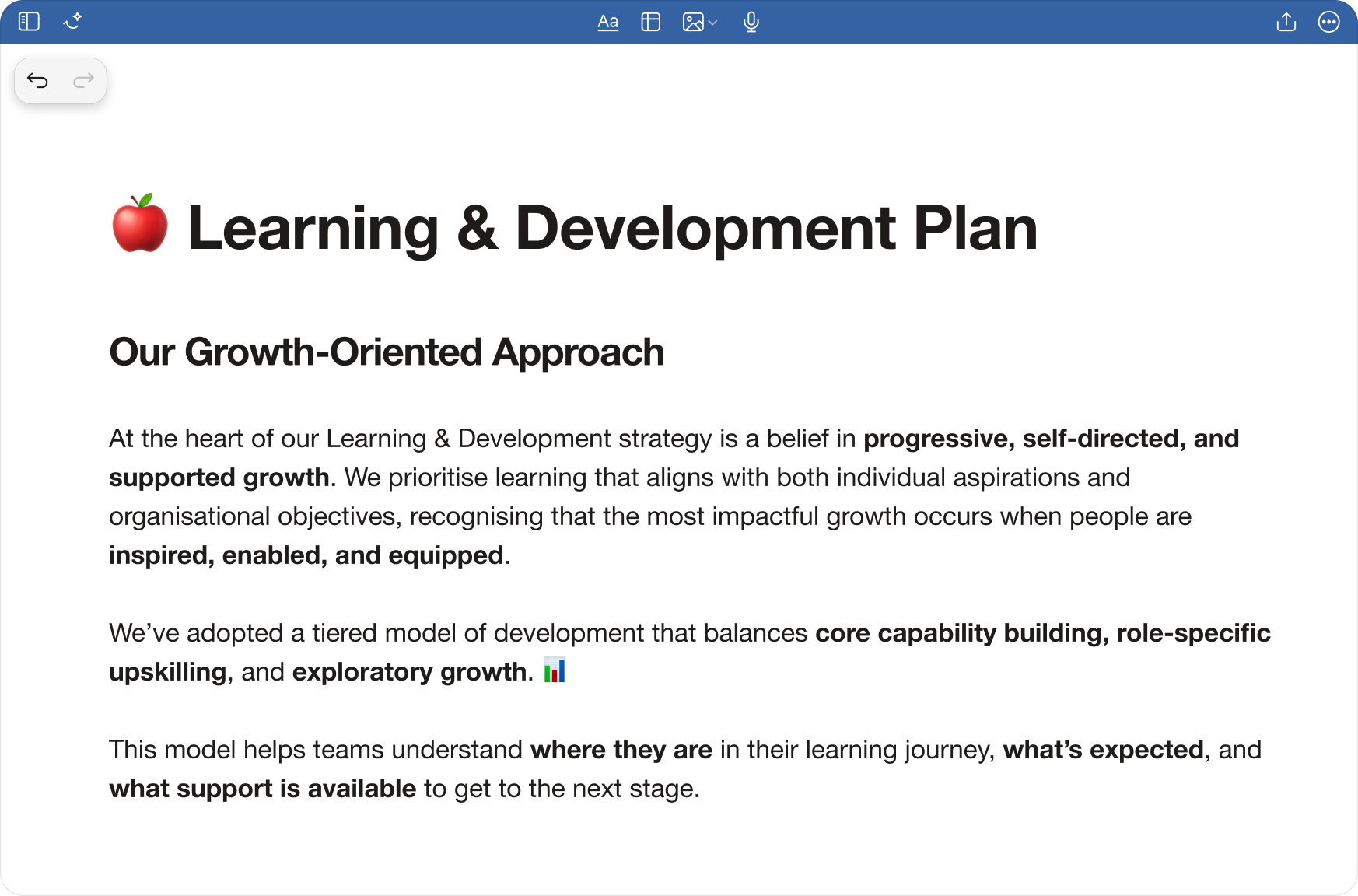
Text documents
Frictionless typing, flexible documents– ideal for reports, essays, proposals, and formal documents.
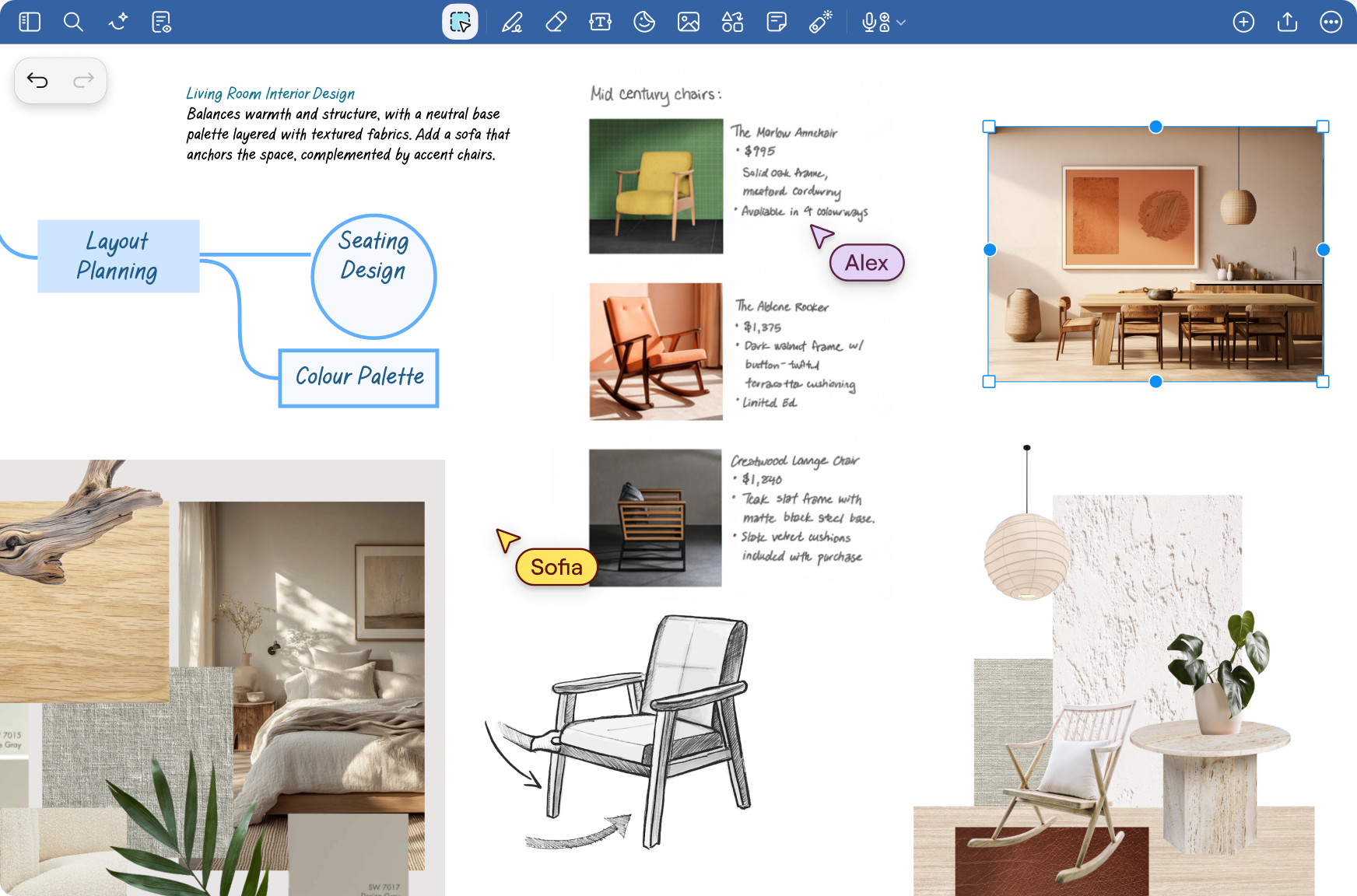
Whiteboard
Infinite space for big ideas–create mind maps, flowcharts, and visual brainstorms to explore ideas.
Capture ideas and organize your notes in one place so decisions, action items, and insights never get lost. Annotate documents, search handwriting, and use AI to find answers in seconds.
Q: Is my data used to train the AI?
Q: Does AI handwriting recognition work on messy writing?
Q: Does AI work in my language?
Q: Can I search for text inside images or diagrams?
Q: Is this included in the standard plan?


© 2026 Goodnotes. All rights reserved.
