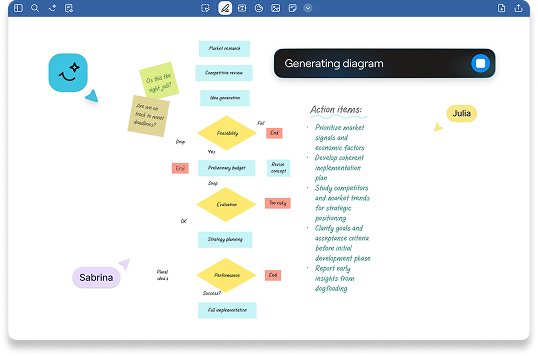
Turn static PDFs into living documents

Handwrite, highlight, and comment naturally - then instantly search, refine, and share your annotated PDFs without losing context.


Start Free

Built for the way you work

Review PDFs without the friction

Write naturally. Find instantly. Share confidently.

Make every PDF easier to work with

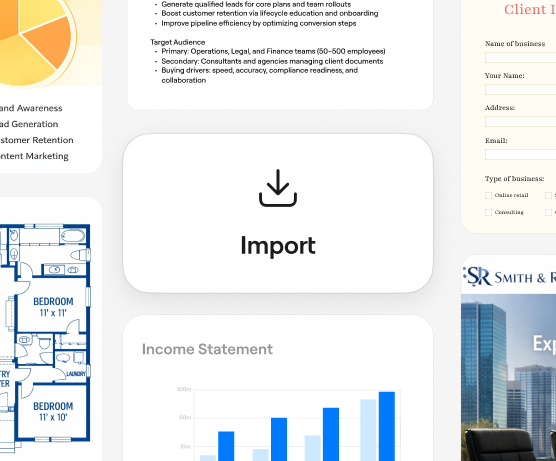
Add any PDF and start marking it up

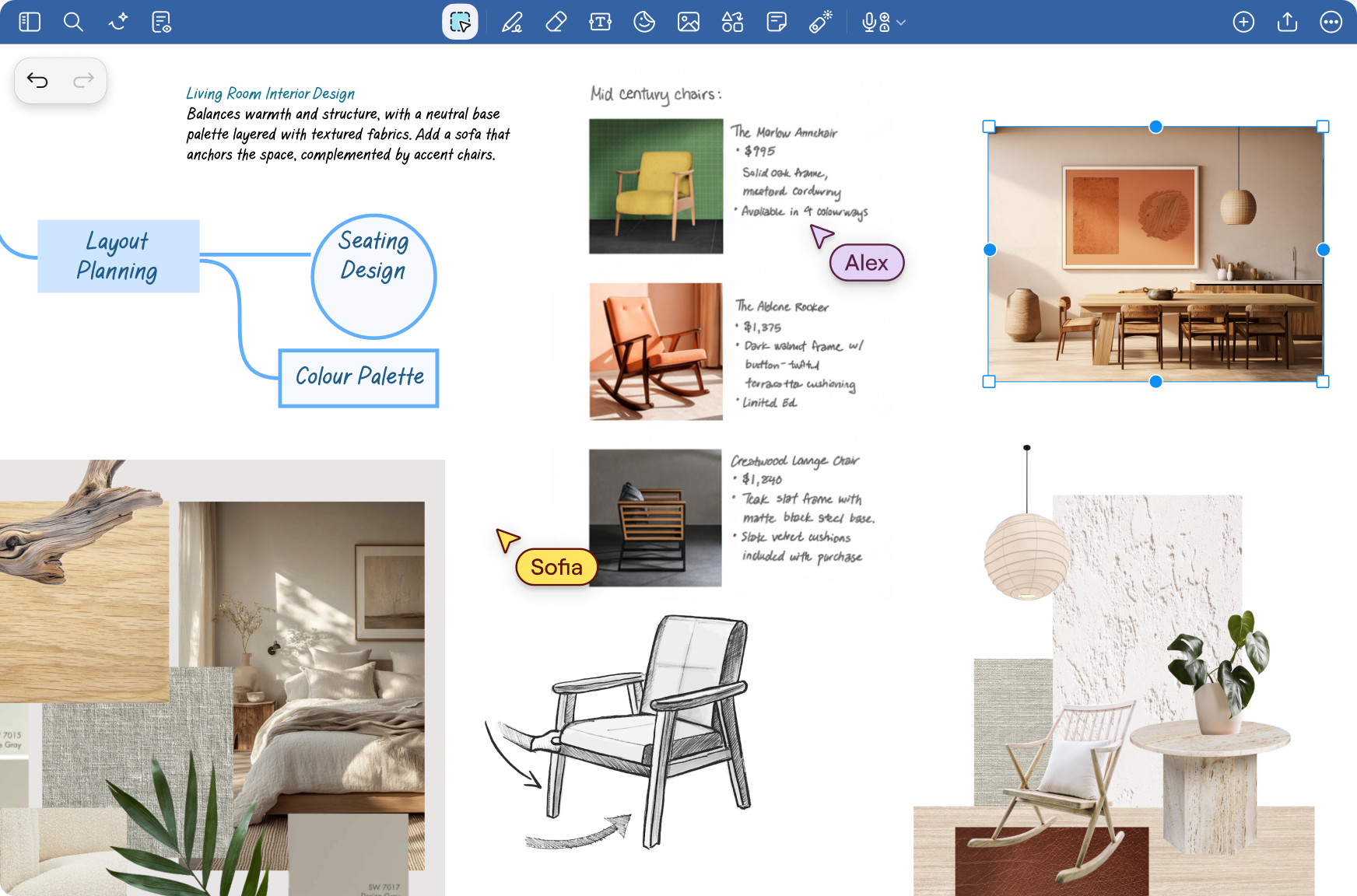
Import contracts, reports, presentations, forms, or personal documents and naturally annotate them in seconds.

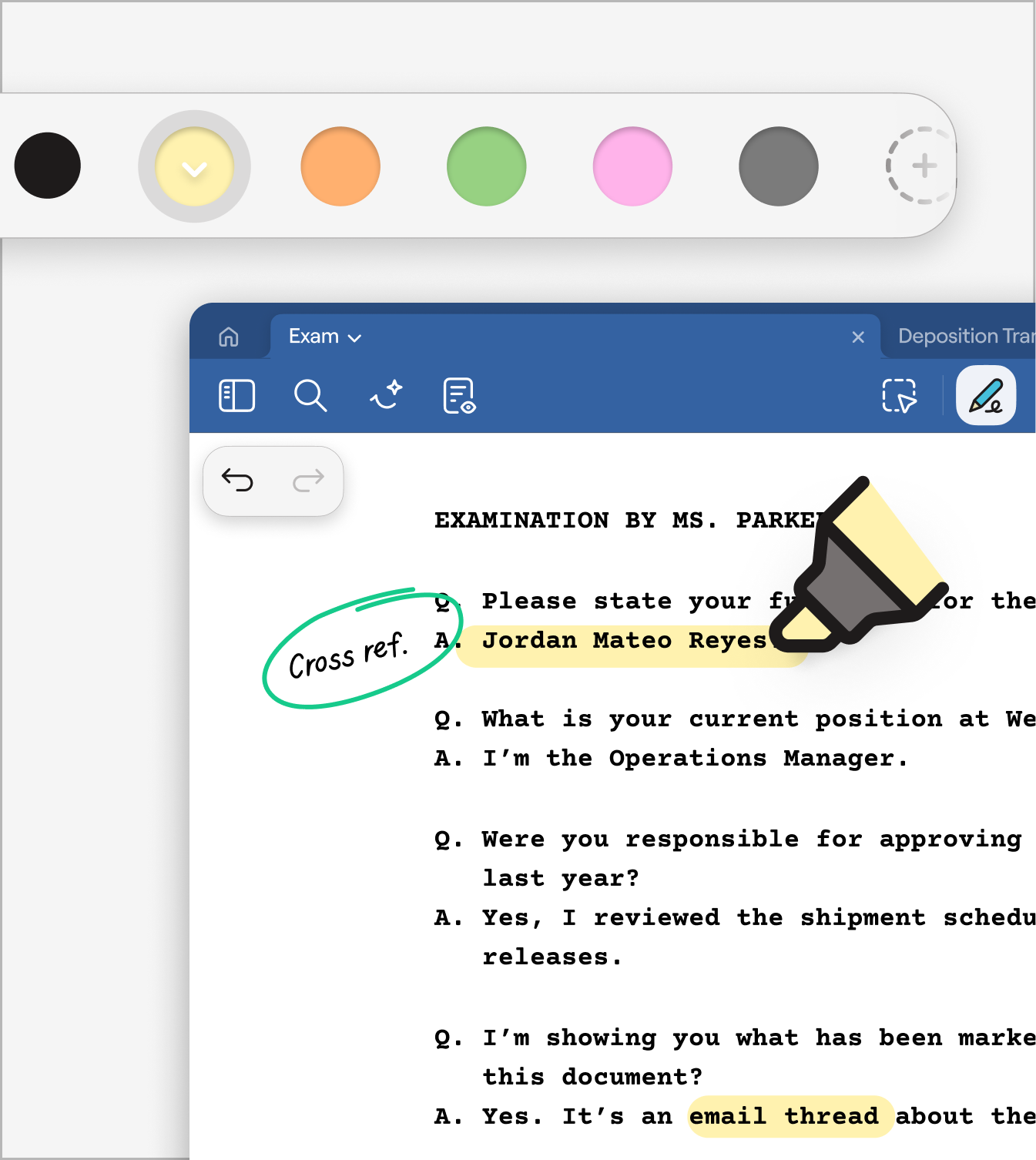
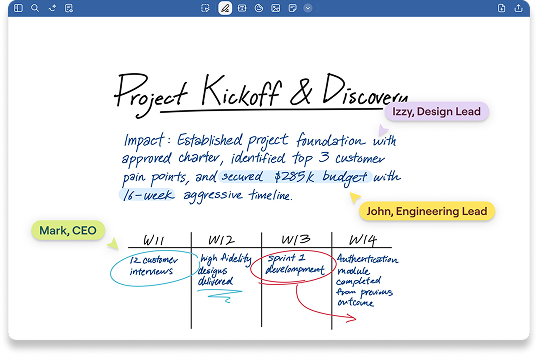
Write the way you think

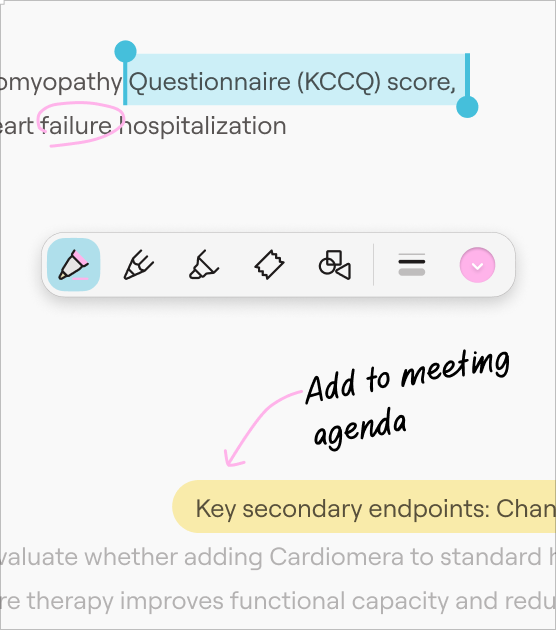
Handwrite, highlight and type directly on your PDFs with ease. All the freedom of pen and paper but with the power of digital notes.

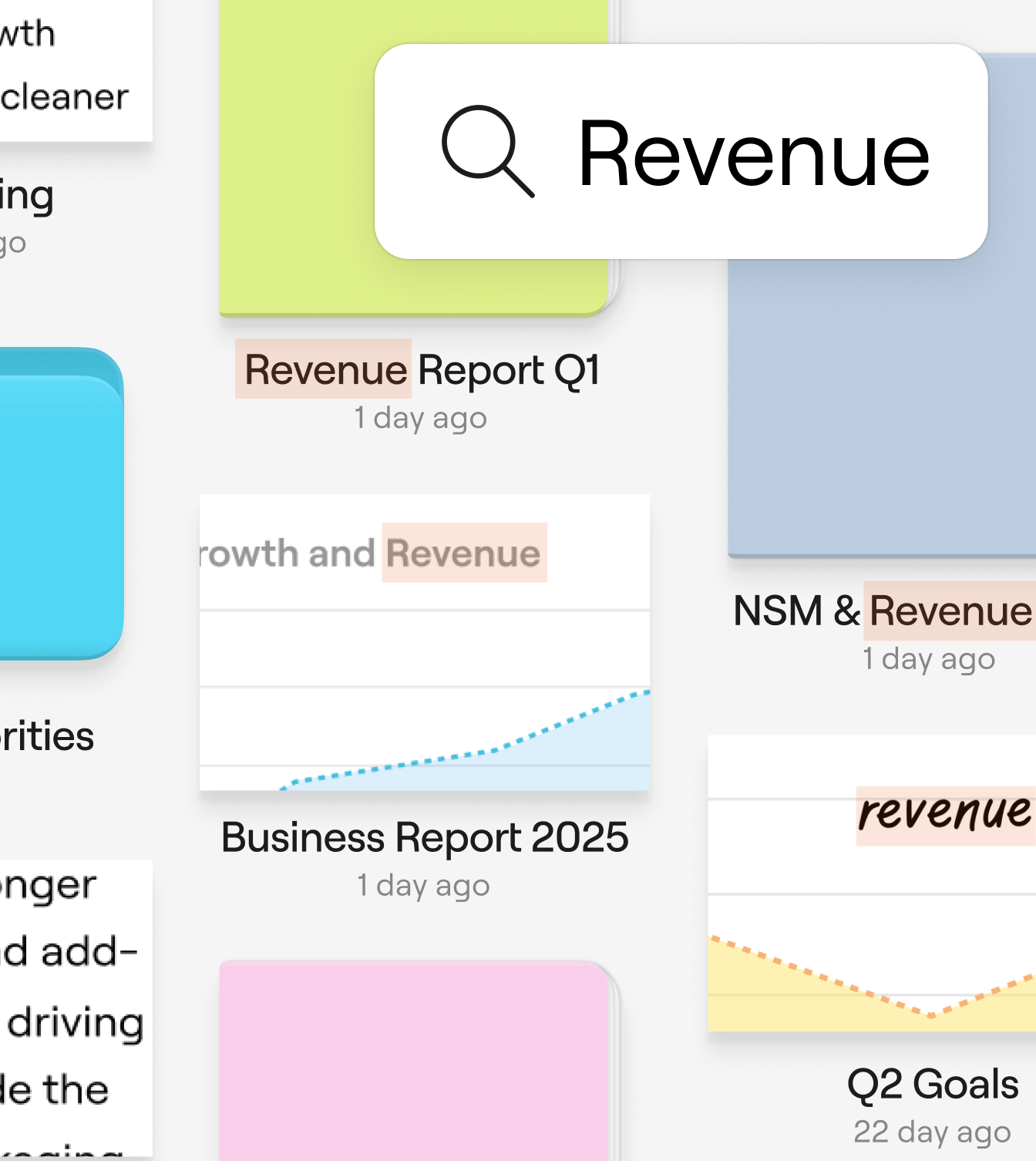
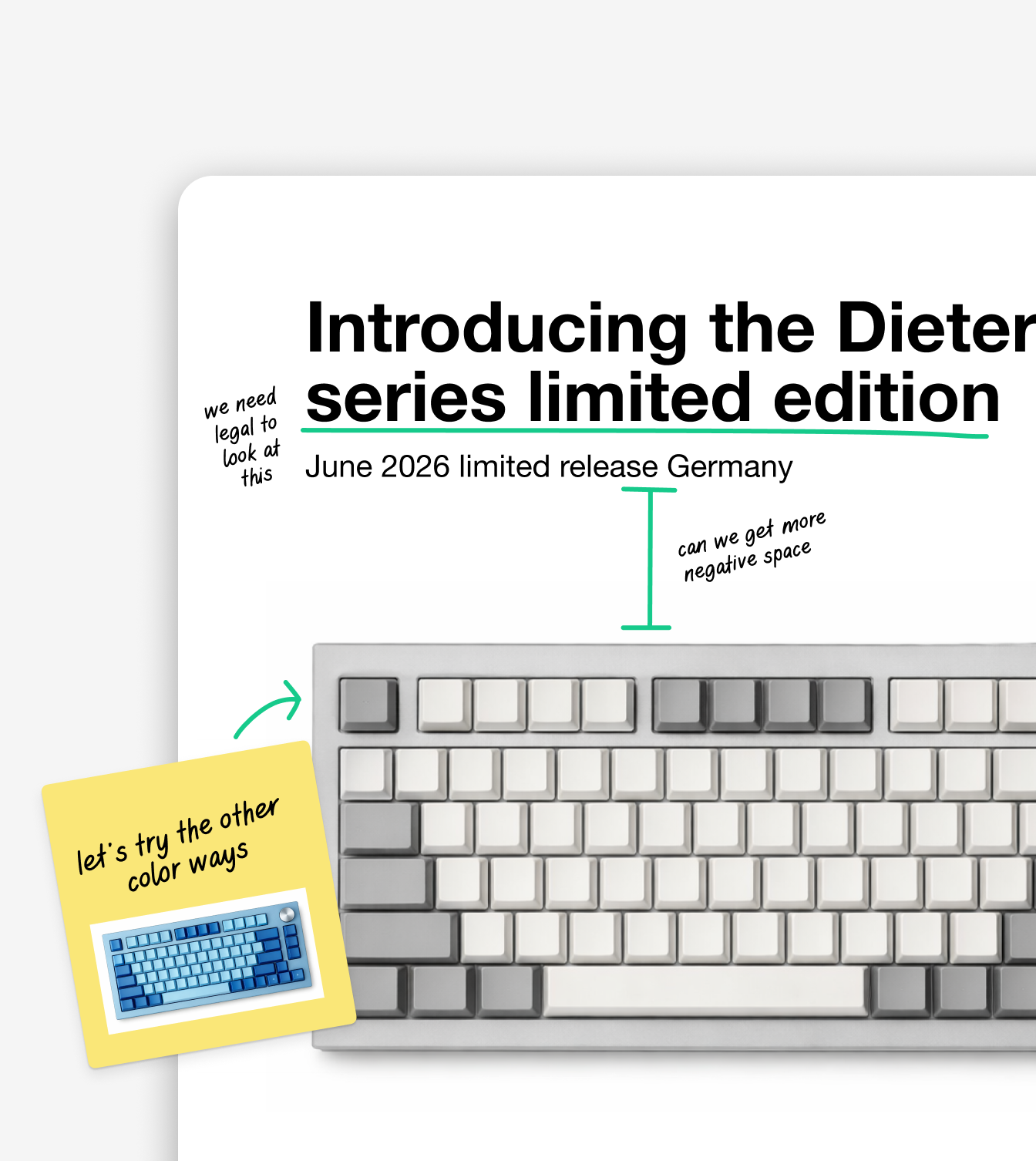
From notes to next steps

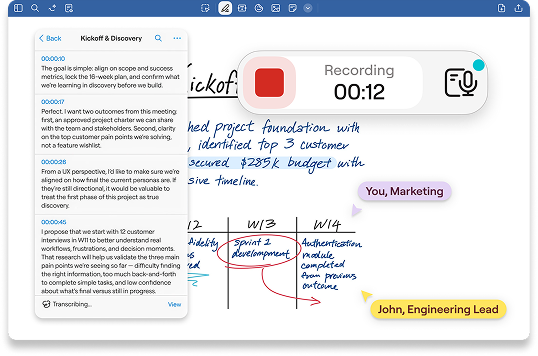
Turn handwritten feedback into searchable insights. Stay organised and easily share polished annotated PDFs wherever you work.

How Goodnotes has improved clients’ work processes

4
hrs

Saved per week per team member on note organization

45
%

Faster meeting recap creation with AI summarization

90
%

Teams report improved information findability

60
%

Reduction in time spent reformatting notes

A notebook experience our users love

“Lorem ipsum dolor sit amet, consectetuer adipiscing elit. Aenean commodo ligula eget dolor. Aenean massa. Cum sociis natoque penatibus et magnis dis parturient montes, nascetur ridiculus mus.”


Mark Zenko 1

Construction Director

“Lorem ipsum dolor sit amet, consectetuer adipiscing elit. Aenean commodo ligula eget dolor. Aenean massa. Cum sociis natoque penatibus et magnis dis parturient montes, nascetur ridiculus mus.”

Mark Zenko 2

Construction Director

“Lorem ipsum dolor sit amet, consectetuer adipiscing elit. Aenean commodo ligula eget dolor. Aenean massa. Cum sociis natoque penatibus et magnis dis parturient montes, nascetur ridiculus mus.”

Mark Zenko 3

Construction Director

Ready to annotate PDFs the smarter way?

Try Goodnotes with a 30 day free trial
Discover more of Goodnotes' tools and features

FAQs

What is PDF annotation software?

PDF annotation software allows you to add notes, highlights, comments, and markups directly to a PDF document. Goodnotes combines natural handwriting tools with powerful search and organisation features to streamline document reviews.

Can I annotate PDFs and share them with others?

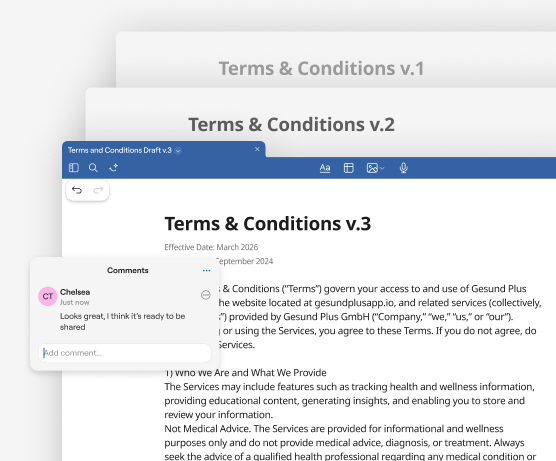
Yes. After you annotate a PDF, you can export and share the file via email or cloud storage, making it easy for colleagues or collaborators to review your feedback.

Can I search within my annotated PDFs?

Yes. Goodnotes helps you keep documents organised and searchable, so you can quickly find the right file — even when managing multiple projects.

Does Goodnotes work for individual professionals and teams?

Yes. Goodnotes works just as well for individual professionals reviewing their own documents as it does for teams coordinating feedback across projects.

What types of documents can I annotate?

You can annotate contracts, proposals, reports, presentations, forms, technical drawings, and more — any PDF that needs feedback, edits, or signatures.

Can I type as well as handwrite on PDFs?

Yes. Add typed text, margin notes, highlights, and comments; whichever works best for your workflow.

Can I use Goodnotes across devices?

Goodnotes works across multiple platforms. You can access and work on your PDFs across any device, making it easy to review, annotate, and share wherever you are.