
Product
AI
Solutions
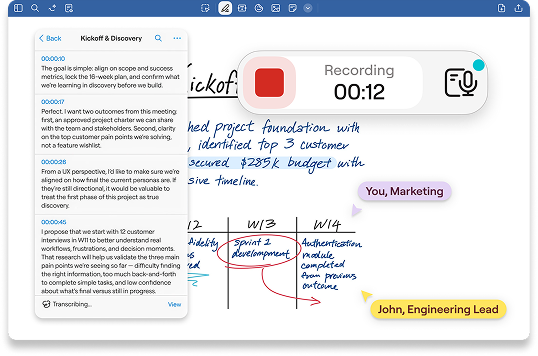
Stay present in the conversation while AI handles the notes. Record, transcribe, and summarize your meetings in real-time, capturing decisions and action items so your team can move forward quickly.






Upgrade your meetings
Your personal secretary for every call
Watch the conversation turn into text in real-time. Identify speakers automatically and get a complete written record of every brainstorming session or client review.
Learn more →
Meeting Assistant is ready when your meetings start. Auto‑create a note with the event title, date/time, and attendees, then capture the discussion and share a recap with the right people.
Learn more →
Need to check a specific quote? Search your meeting notes by keyword to jump straight to the exact moment in the audio recording or transcript.
Learn more →
Saved per week per team member on note organization
Faster meeting recap creation with AI summarization
Teams report improved information findability
Reduction in time spent reformatting notes
“Lorem ipsum dolor sit amet, consectetuer adipiscing elit. Aenean commodo ligula eget dolor. Aenean massa. Cum sociis natoque penatibus et magnis dis parturient montes, nascetur ridiculus mus.”


“Lorem ipsum dolor sit amet, consectetuer adipiscing elit. Aenean commodo ligula eget dolor. Aenean massa. Cum sociis natoque penatibus et magnis dis parturient montes, nascetur ridiculus mus.”
“Lorem ipsum dolor sit amet, consectetuer adipiscing elit. Aenean commodo ligula eget dolor. Aenean massa. Cum sociis natoque penatibus et magnis dis parturient montes, nascetur ridiculus mus.”
Transform your meetings today
Start Free



© 2026 Goodnotes. All rights reserved.
