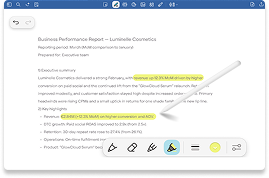
Capture every word, focus on the conversation

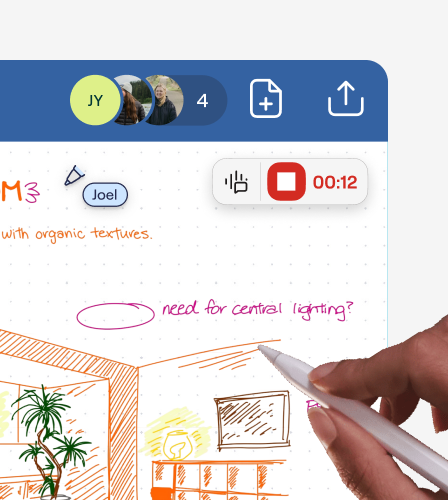
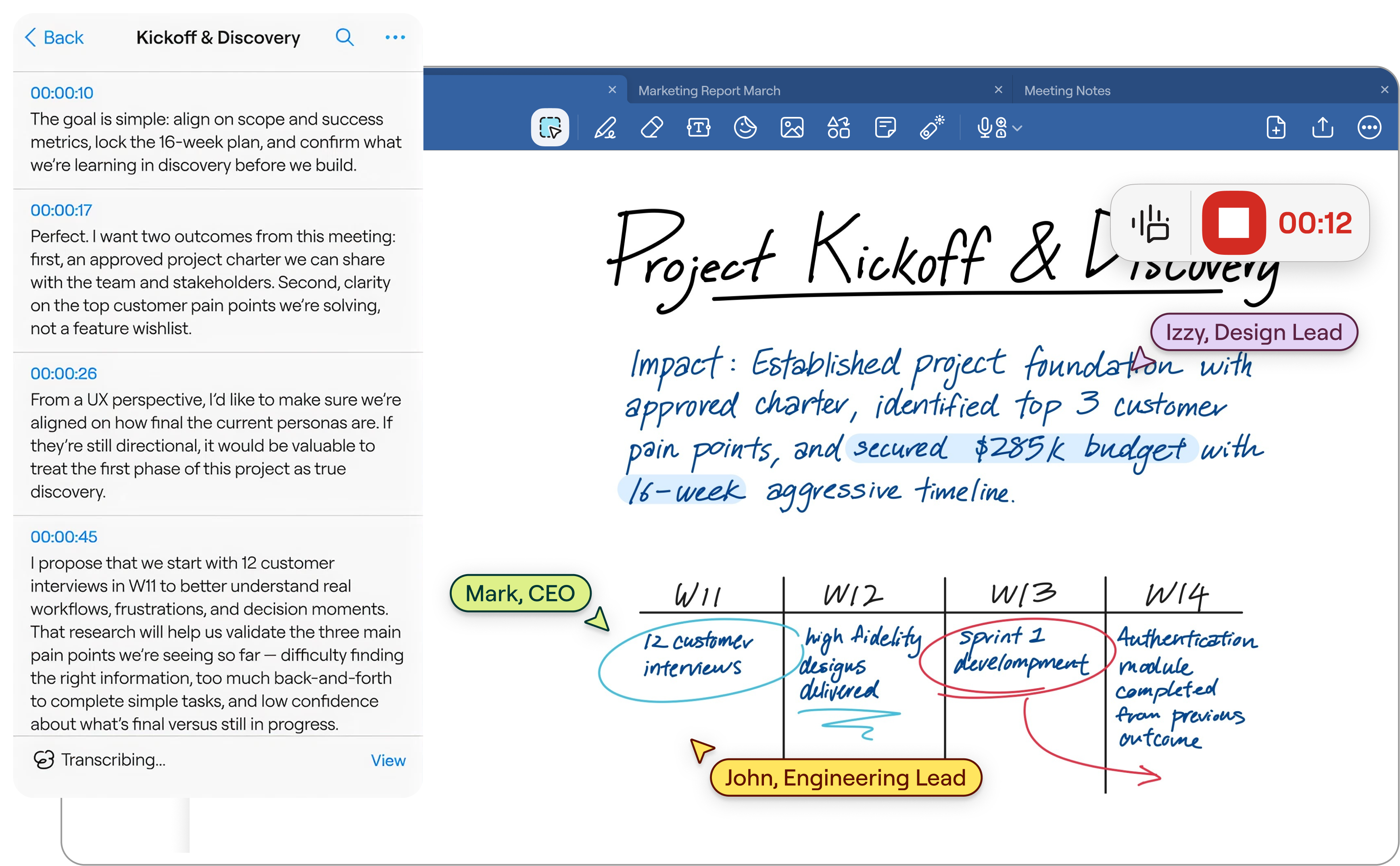
Record audio while you take notes and keep them perfectly in sync. With Audio Recording, you can revisit any moment from a meeting, lecture, or conversation by simply tapping on your handwriting.

Start Free

Capture conversations with confidence

Ready to hear what you’ve been missing?

See how you can work smarter in minutes.

Everything you need to record, replay, and remember

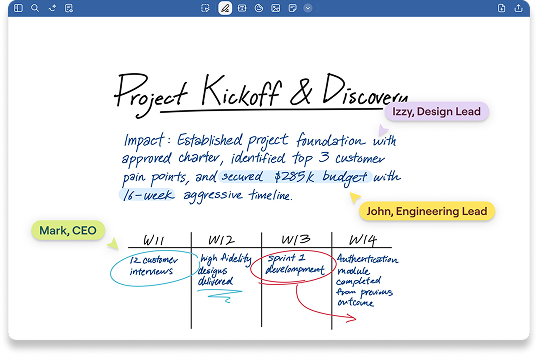
Your notes and the conversation, perfectly aligned

Tap anywhere on your handwritten notes to jump the audio to that exact moment. Perfect for reviewing complex technical details or clarifying vague action items.

From spoken word to searchable text

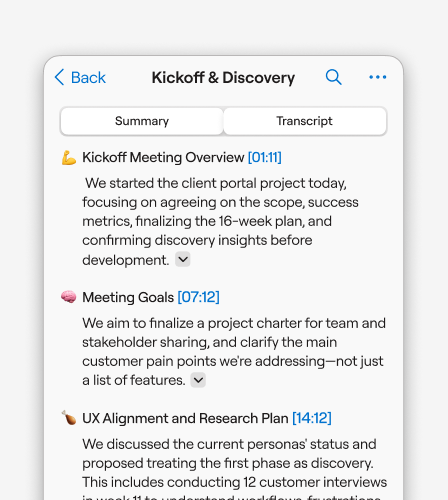
Automatically transcribe recordings into editable text. Search across your audio library just like you search your notes, finding the exact moment you need in seconds.

Listen at your own pace

Adjust playback speed, skip silences, and navigate recordings with precision. Perfect for reviewing lengthy sessions efficiently.

Make every meeting count

4
hrs

Saved per week per team member on note organization

45
%

Faster meeting recap creation with AI summarization

90
%

Teams report improved information findability

60
%

Reduction in time spent reformatting notes

Why users rely on Audio Recording

“Lorem ipsum dolor sit amet, consectetuer adipiscing elit. Aenean commodo ligula eget dolor. Aenean massa. Cum sociis natoque penatibus et magnis dis parturient montes, nascetur ridiculus mus.”


Mark Zenko

Construction Director

“Lorem ipsum dolor sit amet, consectetuer adipiscing elit. Aenean commodo ligula eget dolor. Aenean massa. Cum sociis natoque penatibus et magnis dis parturient montes, nascetur ridiculus mus.”

Mark Zenko

Construction Director

“Lorem ipsum dolor sit amet, consectetuer adipiscing elit. Aenean commodo ligula eget dolor. Aenean massa. Cum sociis natoque penatibus et magnis dis parturient montes, nascetur ridiculus mus.”

Mark Zenko

Construction Director

Try Audio Recording today

Start Free
Discover more of Goodnotes' tools and features

FAQs

How do I start an audio recording?

Tap the microphone icon in the toolbar while in any notebook. Your recording will automatically sync to your notes as you write.

Can I record and take notes at the same time?

Yes. Audionotes is designed so you can write, sketch, and annotate while recording so every stroke is time-stamped to the audio.

How does the sync feature work?

When you tap on any part of your handwritten notes, the audio jumps to the exact moment you were writing. This makes reviewing meetings and lectures fast and intuitive.

Can I export the audio files?

Yes, you can share your notes as a Goodnotes file (which includes the audio) or export the recording separately.

Is transcription automatic?

Yes. AI Transcription converts your recordings into searchable, editable text automatically. You can review and edit transcriptions at any time.

How accurate is the transcription?

Goodnotes uses advanced speech recognition to provide highly accurate transcripts in multiple languages.

Does recording audio drain my battery?

Goodnotes is optimized for efficiency, allowing for long recording sessions without excessive battery drain.

Is my audio data private?

Yes. Goodnotes does not access or collect data from your Notebooks to train its AI features. Our proprietary machine-learning model powers Audio Transcription and operates entirely on the device.