Write like it’s paper. Edit like it’s digital.

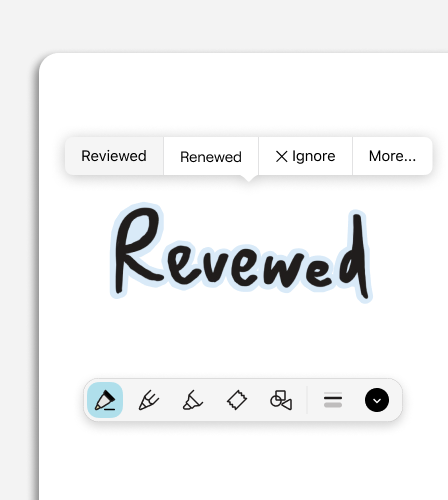
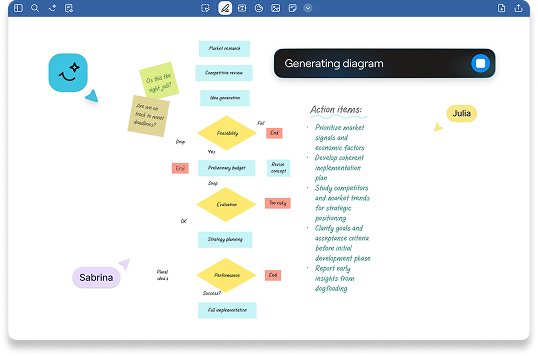
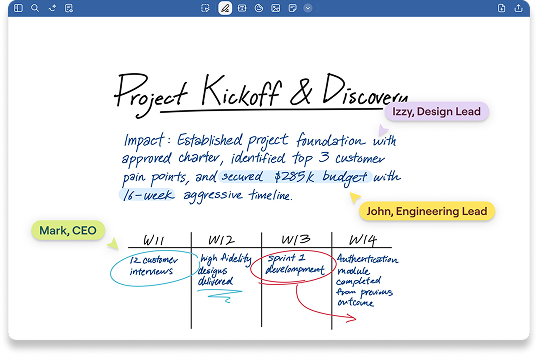
Goodnotes is built for stylus-first thinking. Capture ideas naturally, then refine them in seconds with Smart Ink—so your notes stay easy to read and easy to build on as your day moves fast.

Start Free

Stay in flow from first stroke to final draft

Ready for handwriting that keeps up with you?

See how you can work smarter in minutes.

Everything you need to write cleaner, faster, and more flexibly

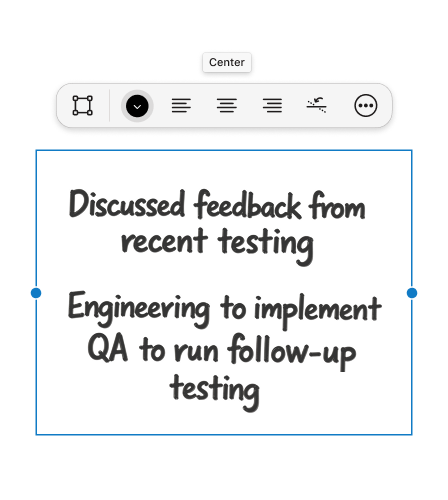
Write freely, then tidy up in seconds 

Straighten and align handwriting, adjust spacing, and reshape paragraphs without losing your original style—Smart Ink Notes Organisation means your notes look polished, even when you’re working quickly.

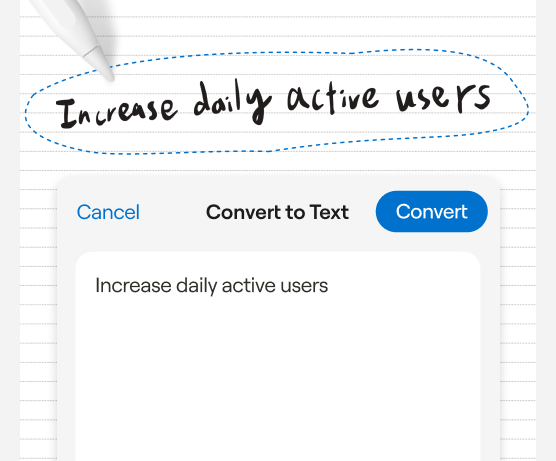
Handwriting to text conversion

Convert handwritten notes into clean, editable text for sharing, or turning ideas instantly into clear and clear text documents

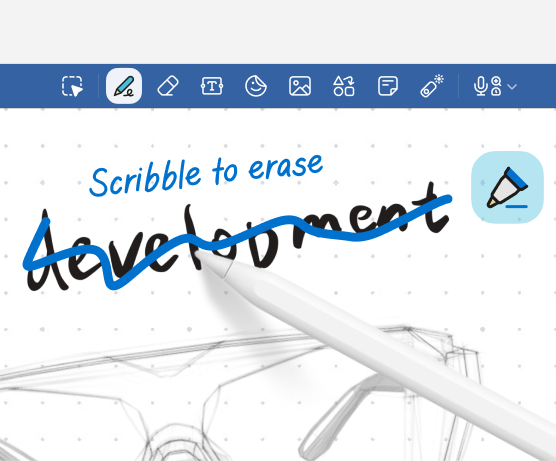
Gesture-first editing

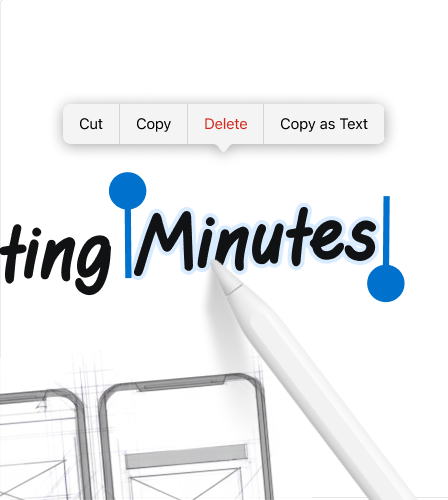
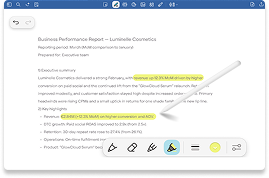
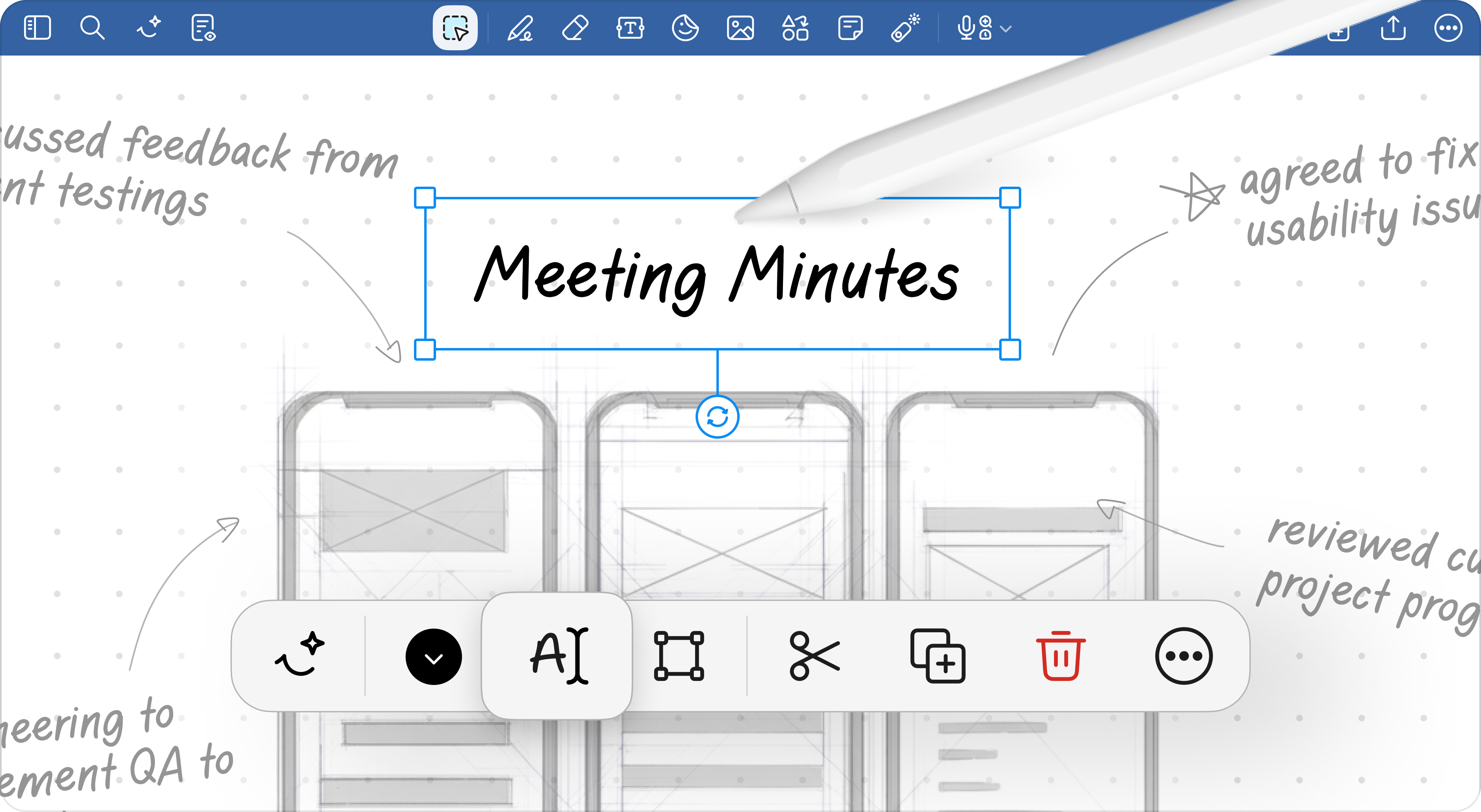
Use natural pen gestures like Scribble To Erase and Circle To Lasso notes and diagrams so you can edit at the speed you think.

Cleaner notes means clearer thinking 

4
hrs

Saved per week per team member on note organization

45
%

Faster meeting recap creation with AI summarization

90
%

Teams report improved information findability

60
%

Reduction in time spent reformatting notes

Why users rely on the Stylus Experience

“Lorem ipsum dolor sit amet, consectetuer adipiscing elit. Aenean commodo ligula eget dolor. Aenean massa. Cum sociis natoque penatibus et magnis dis parturient montes, nascetur ridiculus mus.”


Mark Zenko

Construction Director

“Lorem ipsum dolor sit amet, consectetuer adipiscing elit. Aenean commodo ligula eget dolor. Aenean massa. Cum sociis natoque penatibus et magnis dis parturient montes, nascetur ridiculus mus.”

Mark Zenko

Construction Director

“Lorem ipsum dolor sit amet, consectetuer adipiscing elit. Aenean commodo ligula eget dolor. Aenean massa. Cum sociis natoque penatibus et magnis dis parturient montes, nascetur ridiculus mus.”

Mark Zenko

Construction Director

Try the Stylus Experience today

Start Free

Discover more of Goodnotes' tools and features

FAQ

How do I use Smart Ink while writing?

Write as usual, then use Smart Ink Notes Organisation tools to reflow handwriting, insert spaces, or straighten and align text to keep your notes structured.

Can I edit handwriting without rewriting it?

Yes. You can select handwriting and make quick edits like moving, copying, or deleting—so you can refine your notes without starting over.

How does handwriting reflow work?

When you adjust the width of your handwriting, Goodnotes automatically reflows your writing while keeping common structures like paragraphs and lists intact.

Does spellcheck change my handwriting style?

No. Spellcheck flags misspellings as you write while keeping the same look and feel of your own handwriting style.

What are ‘Scribble to Erase’ and ‘Circle to Lasso’?

They are simple pen gestures that help you edit faster. Scribble over ink to erase it. Circle content and tap the circle to quickly select it.

Do the handwriting features work across multiple languages?

Yes. Goodnotes supports handwriting features across 15+ languages. Handwriting conversion supports Japanese, Korean, Russian, Thai, and Simplified & Traditional Chinese, plus a wide set of Latin languages like English, French, German, and Spanish.

What stylus can I use with Goodnotes?

Goodnotes works with any stylus that your device supports. On iPad, Apple Pencil is the best match for the full “pen on paper” feel. On Android and Windows tablets, you can use compatible active pens like the Samsung S Pen on supported devices.