
Product
AI
Solutions
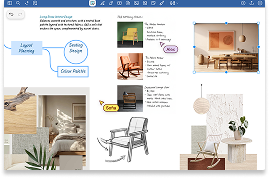
Create a notebook or start recording in a single tap. QuickNotes and Quick Record are there to capture what matters, the moment it matters.





Never miss a thing again.
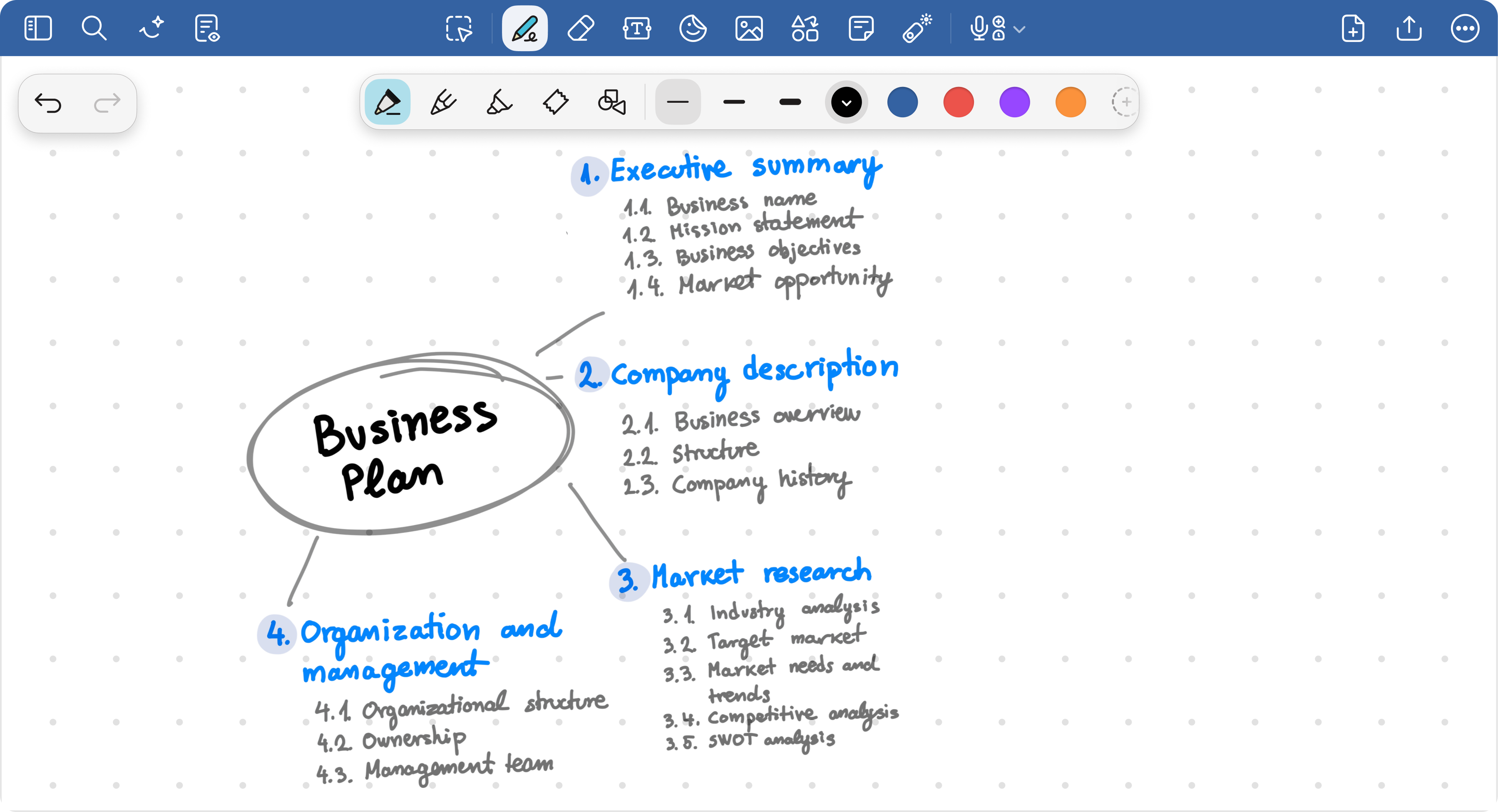
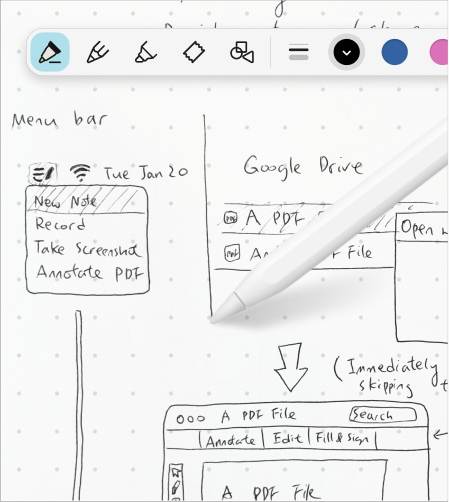
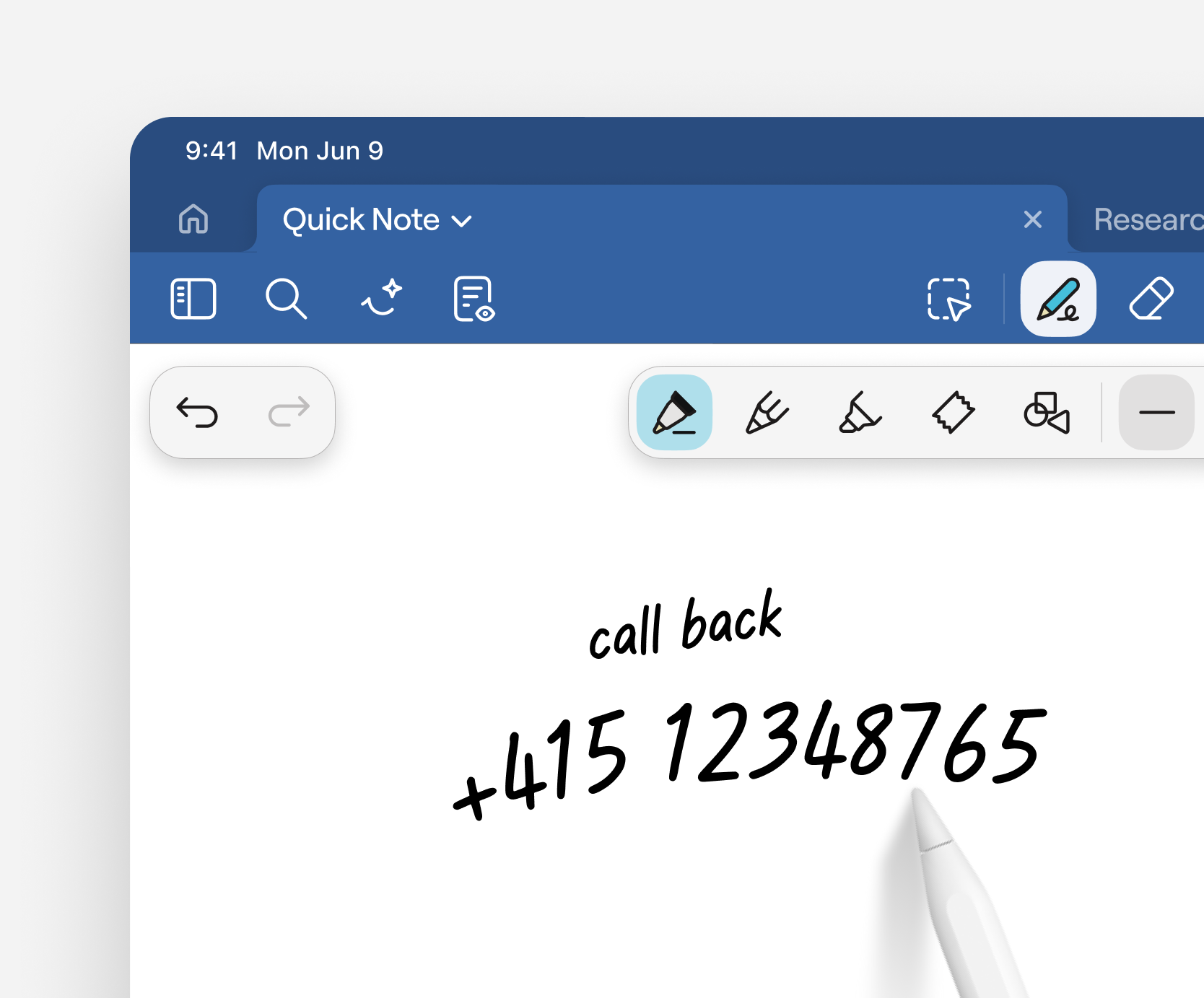
Open a QuickNote instantly. Perfect for jotting down phone numbers, sketching rough diagrams, or starting impromptu meeting notes.
Learn more →
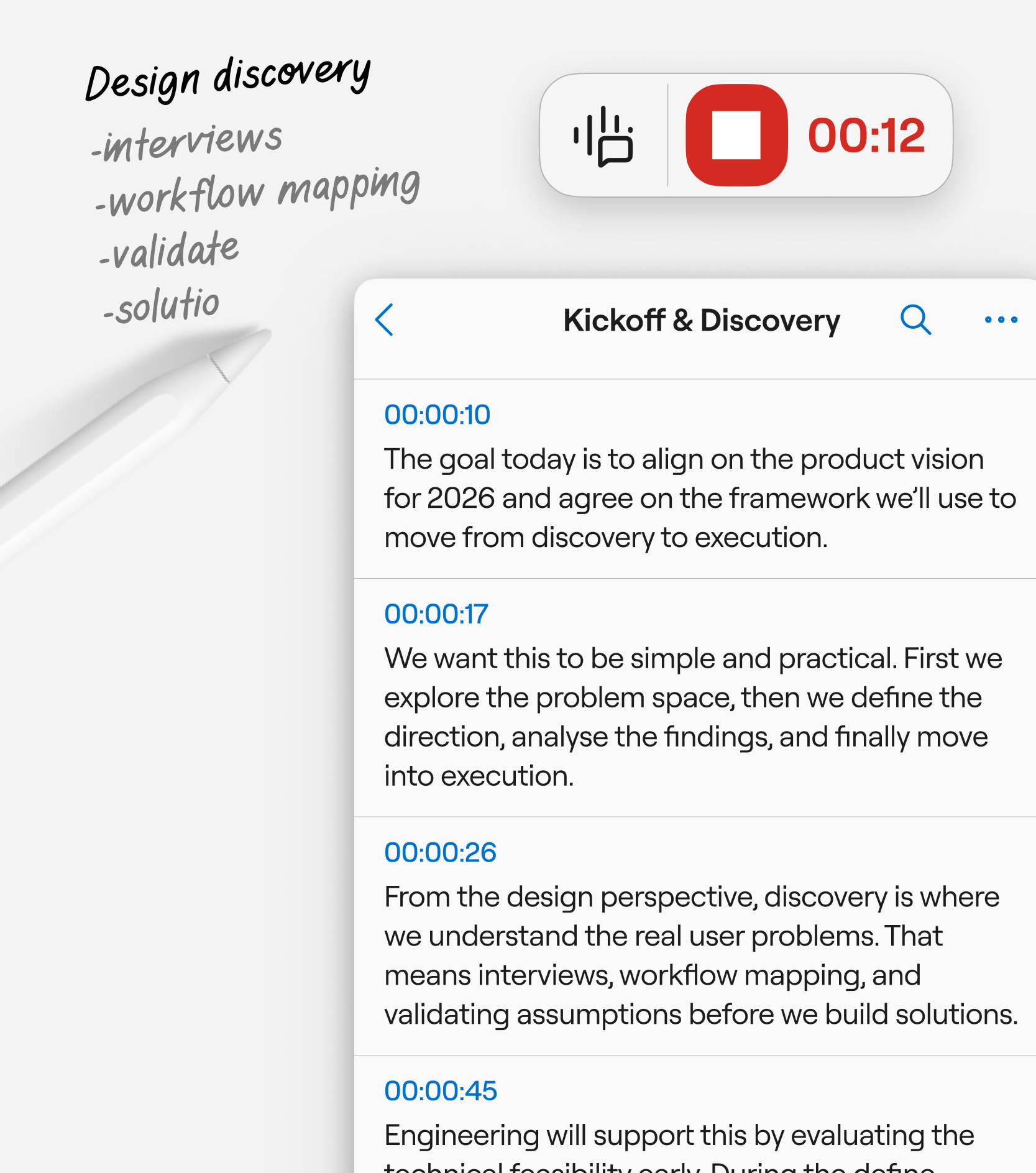
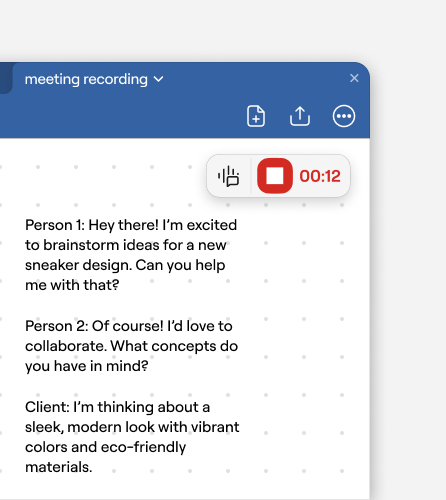
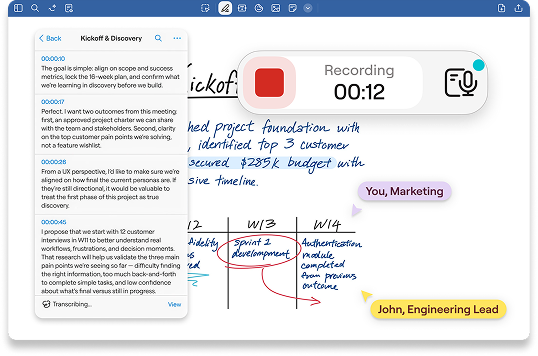
Ideal for when a casual chat turns into a working session. Start recording audio without breaking the flow, then sync it to your notes so you never miss the context.
Learn more →
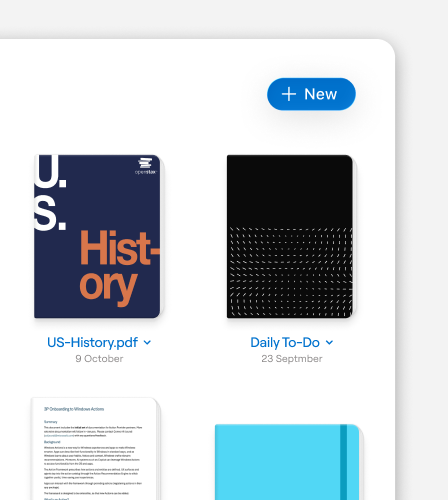
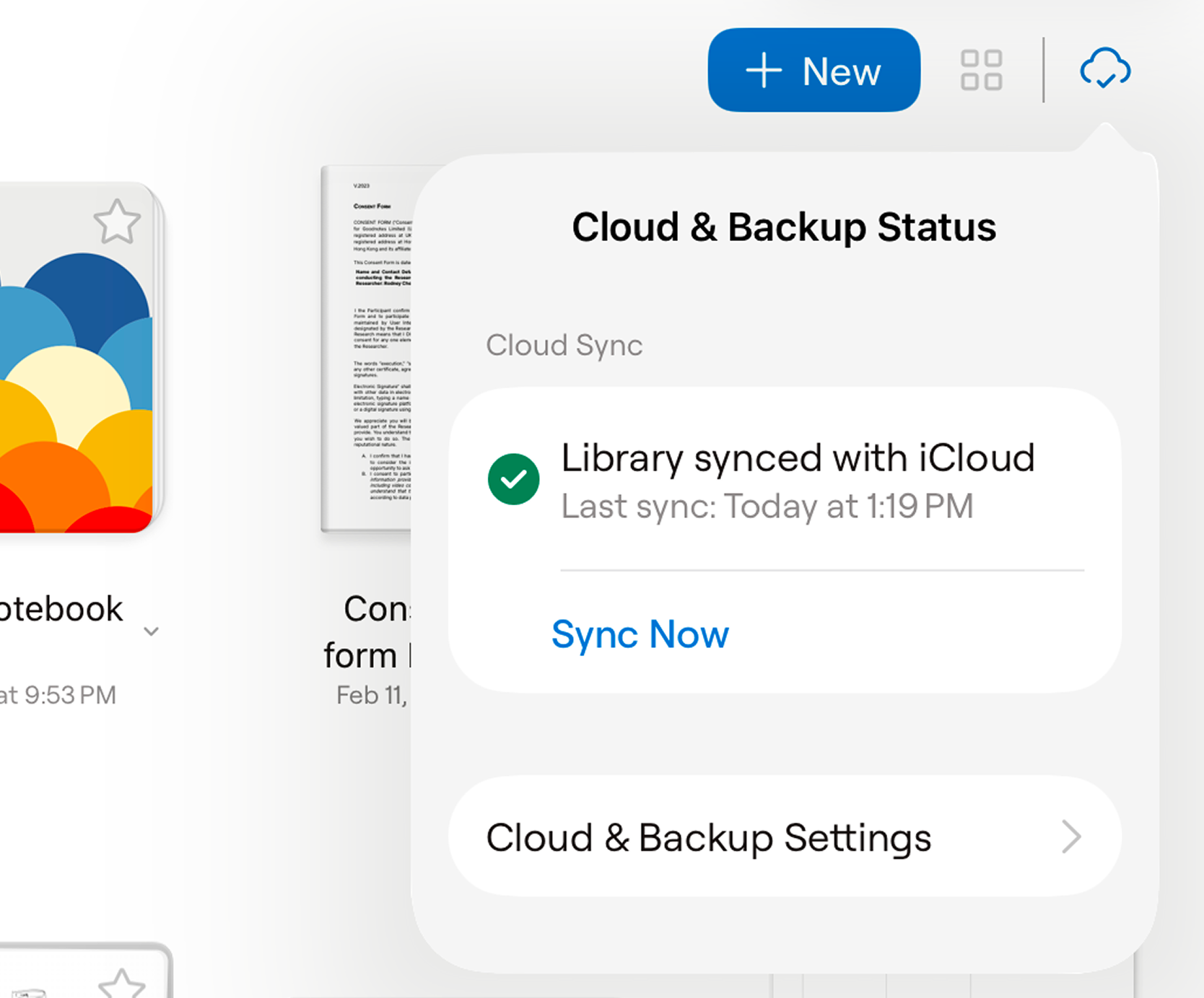
Every QuickNote syncs across your devices automatically. When you're ready, combine it with a document or drag it into the right workspace or project folder—no rush, no pressure.
Learn more →
Saved per week per team member on note organization
Faster meeting recap creation with AI summarization
Teams report improved information findability
Reduction in time spent reformatting notes
“Lorem ipsum dolor sit amet, consectetuer adipiscing elit. Aenean commodo ligula eget dolor. Aenean massa. Cum sociis natoque penatibus et magnis dis parturient montes, nascetur ridiculus mus.”


“Lorem ipsum dolor sit amet, consectetuer adipiscing elit. Aenean commodo ligula eget dolor. Aenean massa. Cum sociis natoque penatibus et magnis dis parturient montes, nascetur ridiculus mus.”
“Lorem ipsum dolor sit amet, consectetuer adipiscing elit. Aenean commodo ligula eget dolor. Aenean massa. Cum sociis natoque penatibus et magnis dis parturient montes, nascetur ridiculus mus.”
Try Goodnotes today
Start Free



© 2026 Goodnotes. All rights reserved.
